
Learn how to smoothly order your favorite Pickles from the Pickles Vijaya website with this comprehensive guide
Go to picklesvijaya.com
1. Introduction
From selecting the quantity to providing delivery details, follow these engaging steps to complete your order hassle-free.
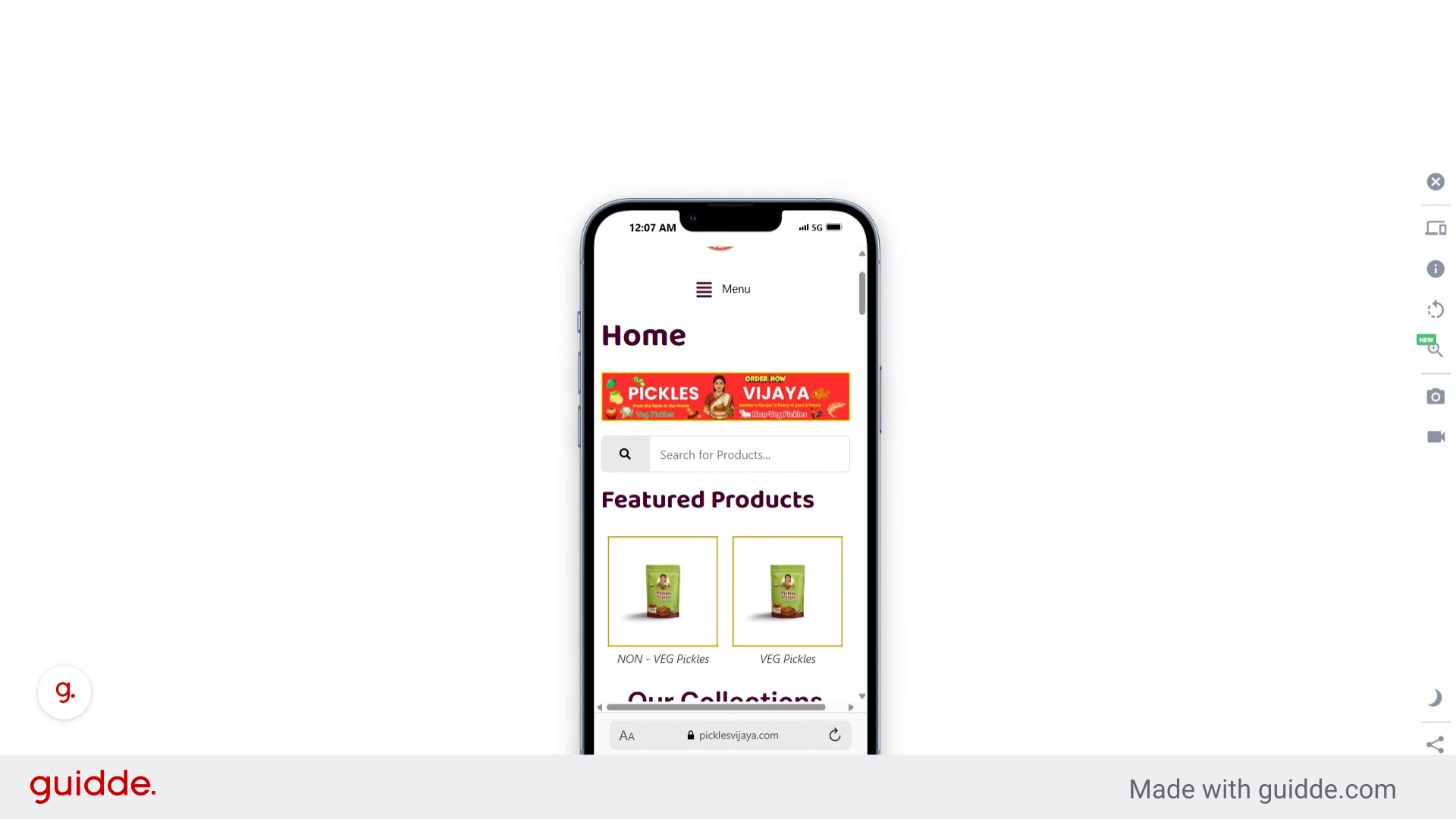
2. Click here
Navigate to the Pickles Vijaya website.
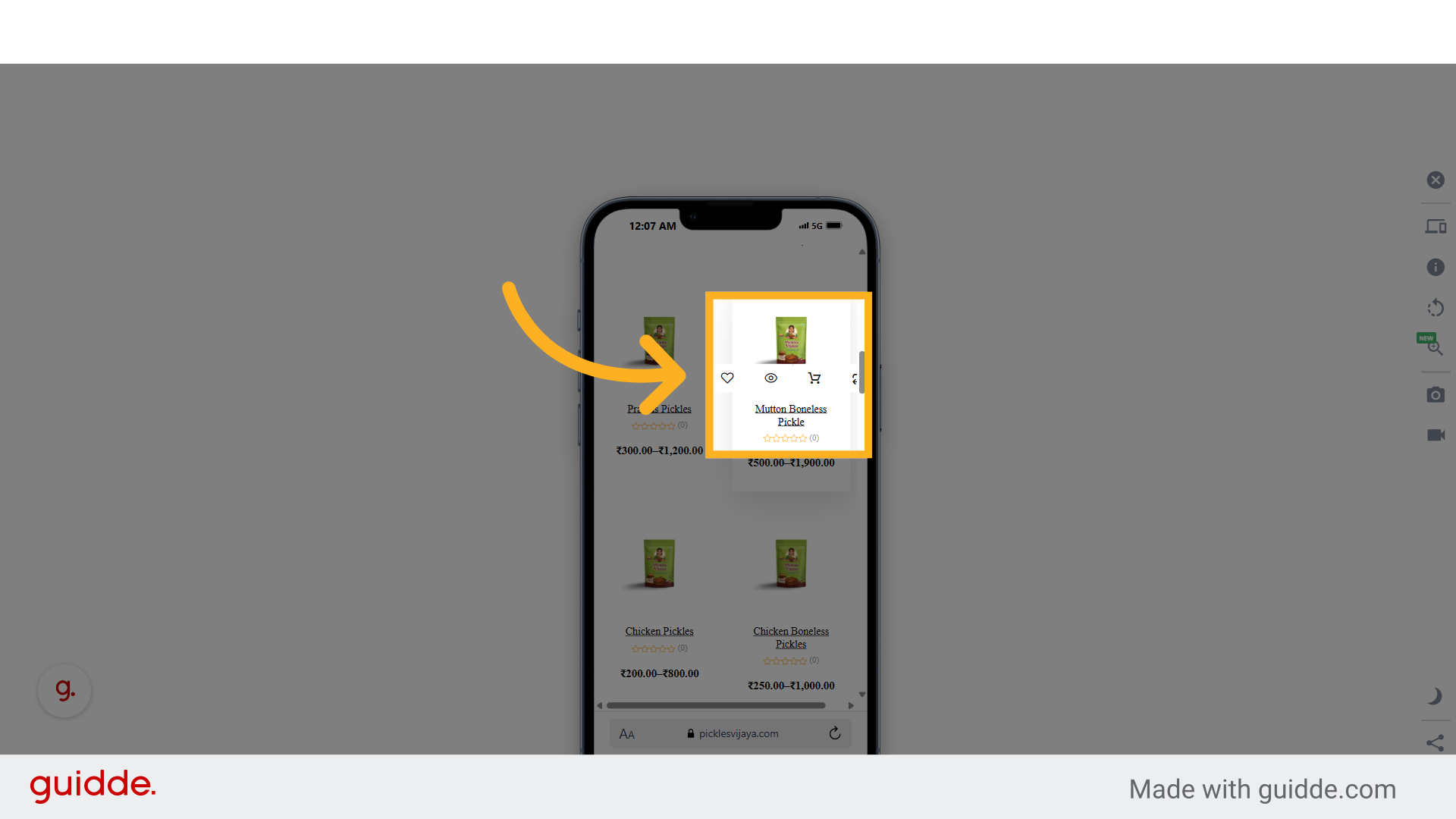
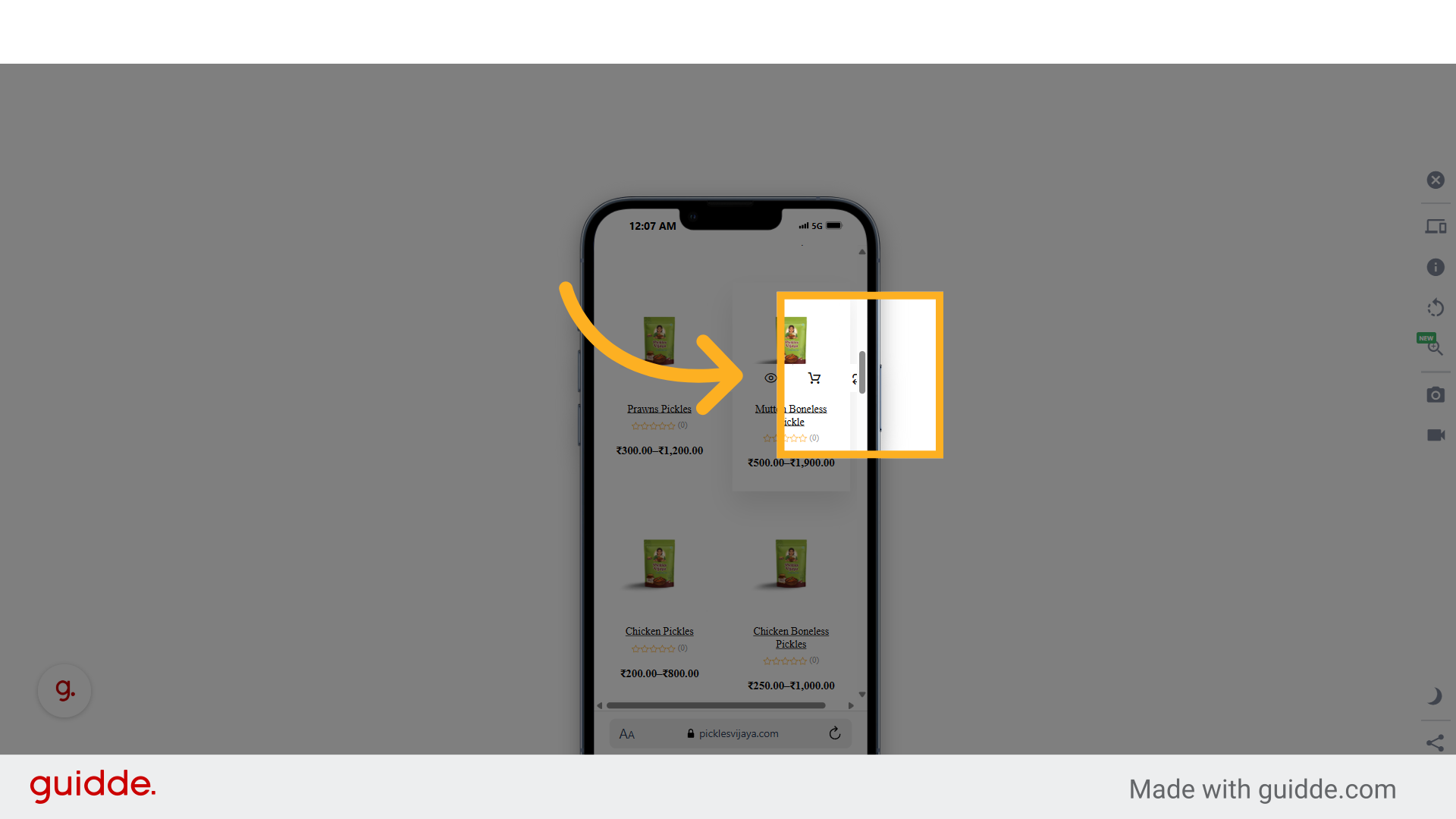
3. Click here
Go to the Pickles section on the website.
4. Fill "500g"
Specify the quantity of 500g for the Pickles.
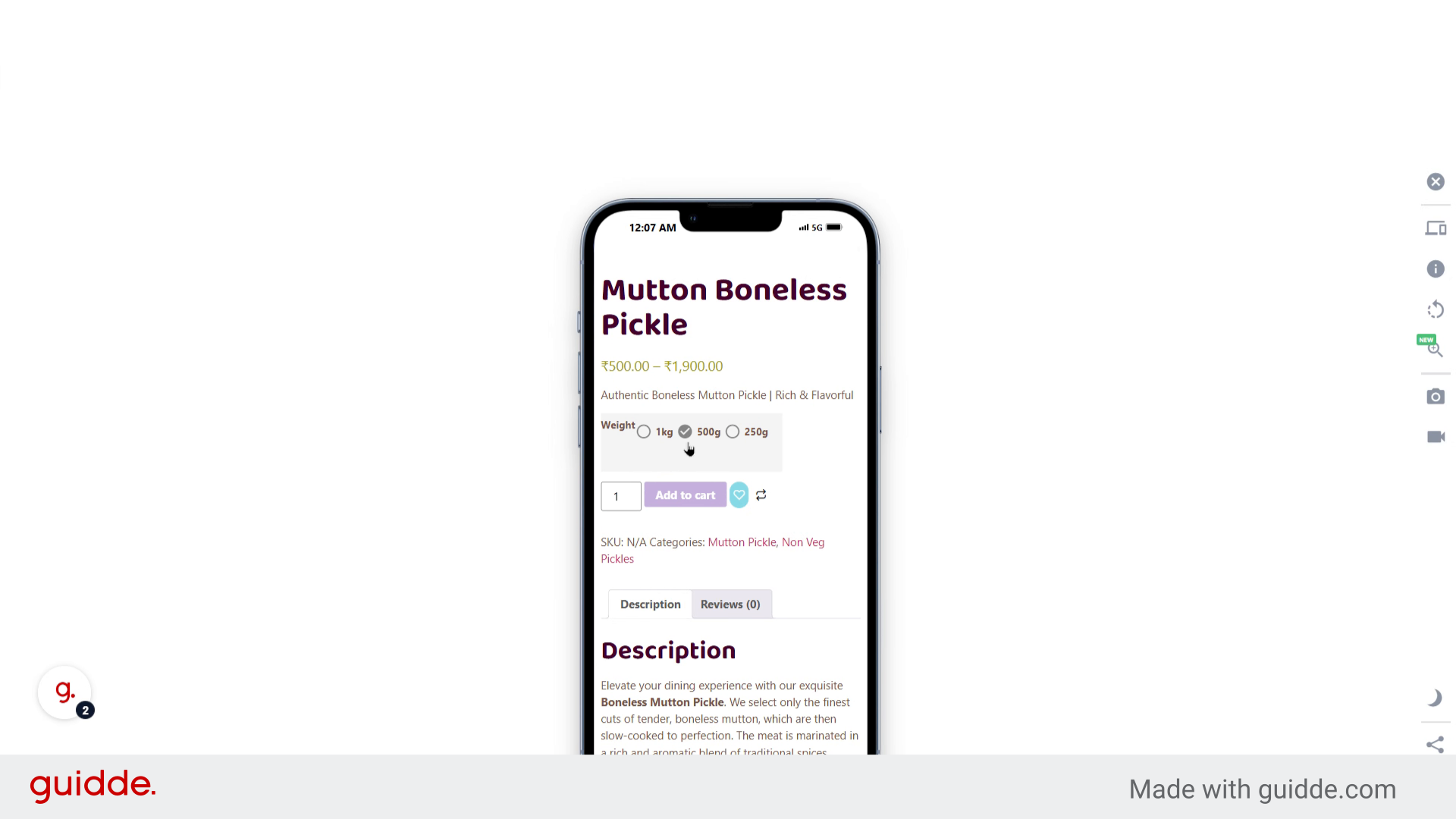
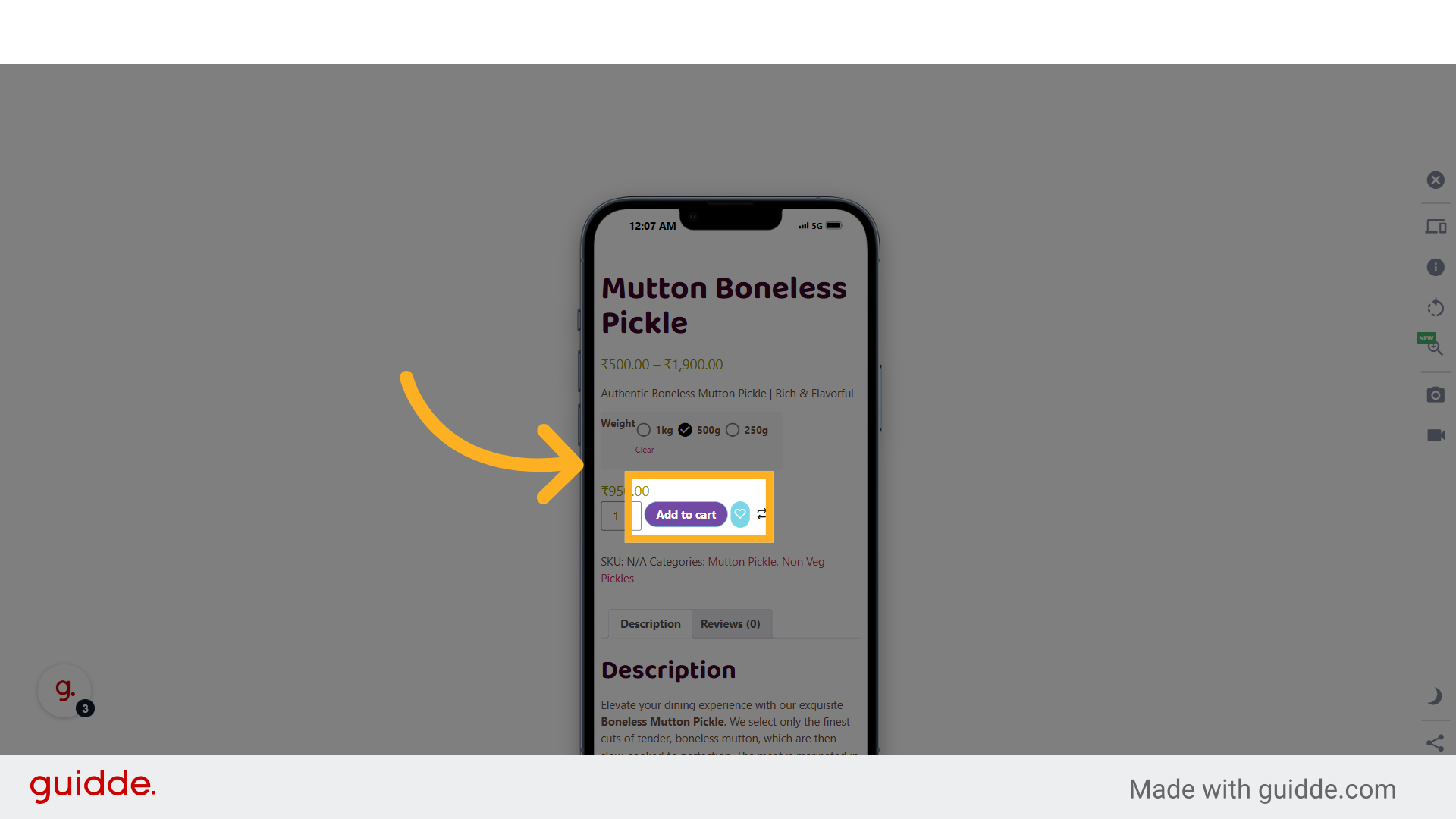
5. Click "Add to cart"
Add the selected Pickles to the cart.
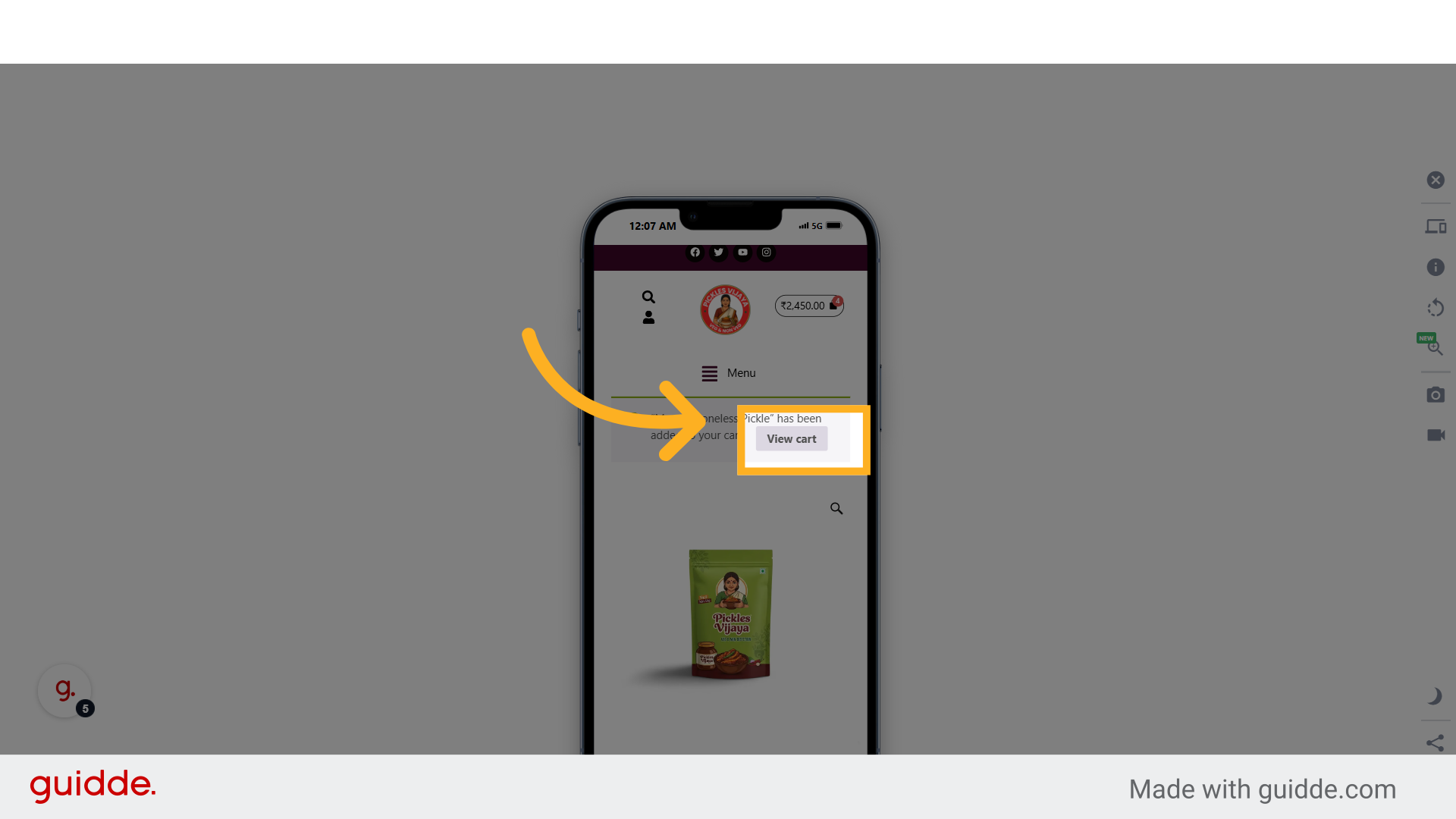
6. Click "View cart"
Review the items in your cart.
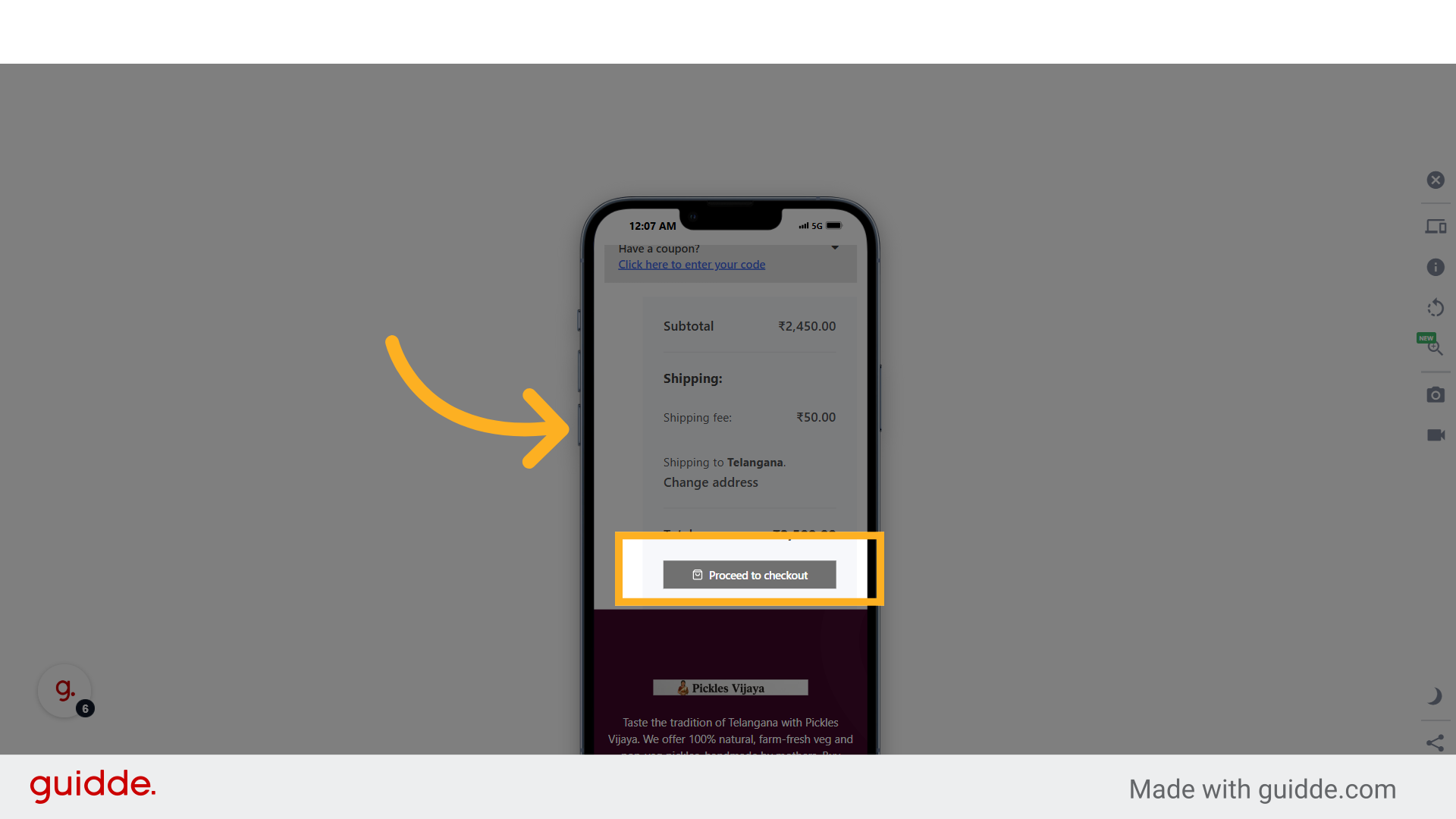
7. Click "Proceed to checkout"
Proceed to the checkout process.
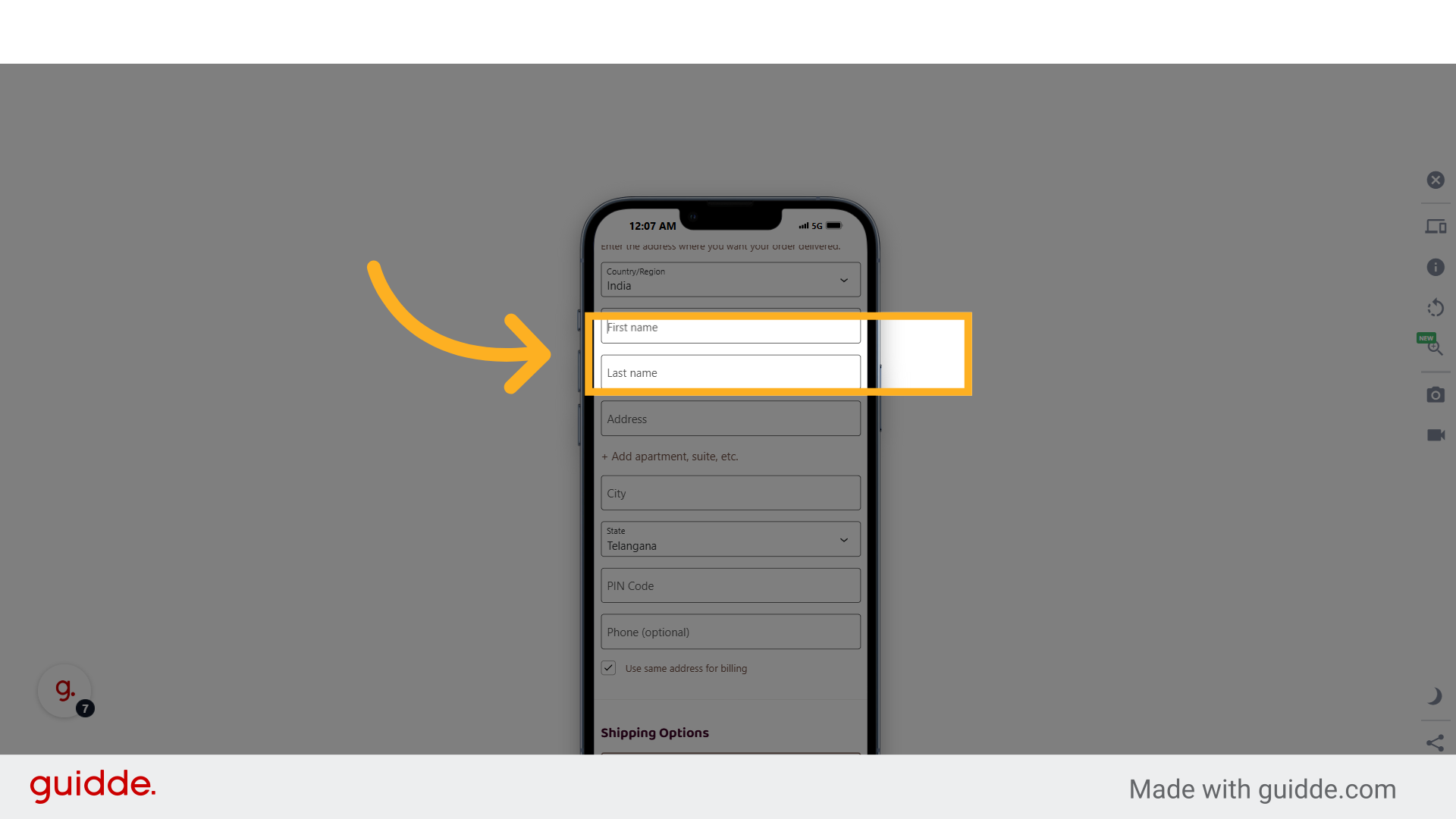
8. Click "First name"
Enter your first name.
9. Fill "demo"
Input your first name as "demo".
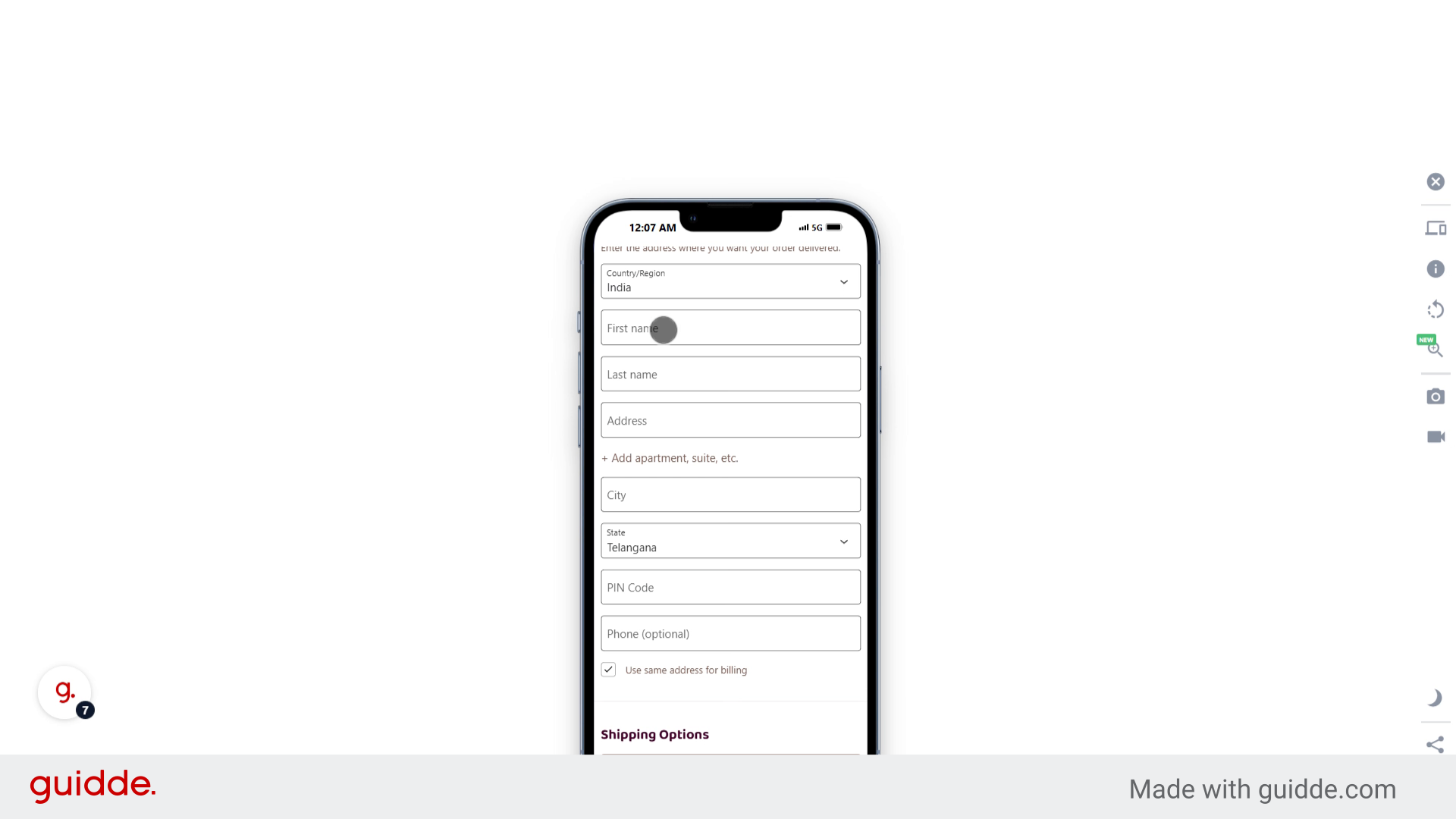
10. Click "Last name"
Enter your last name.
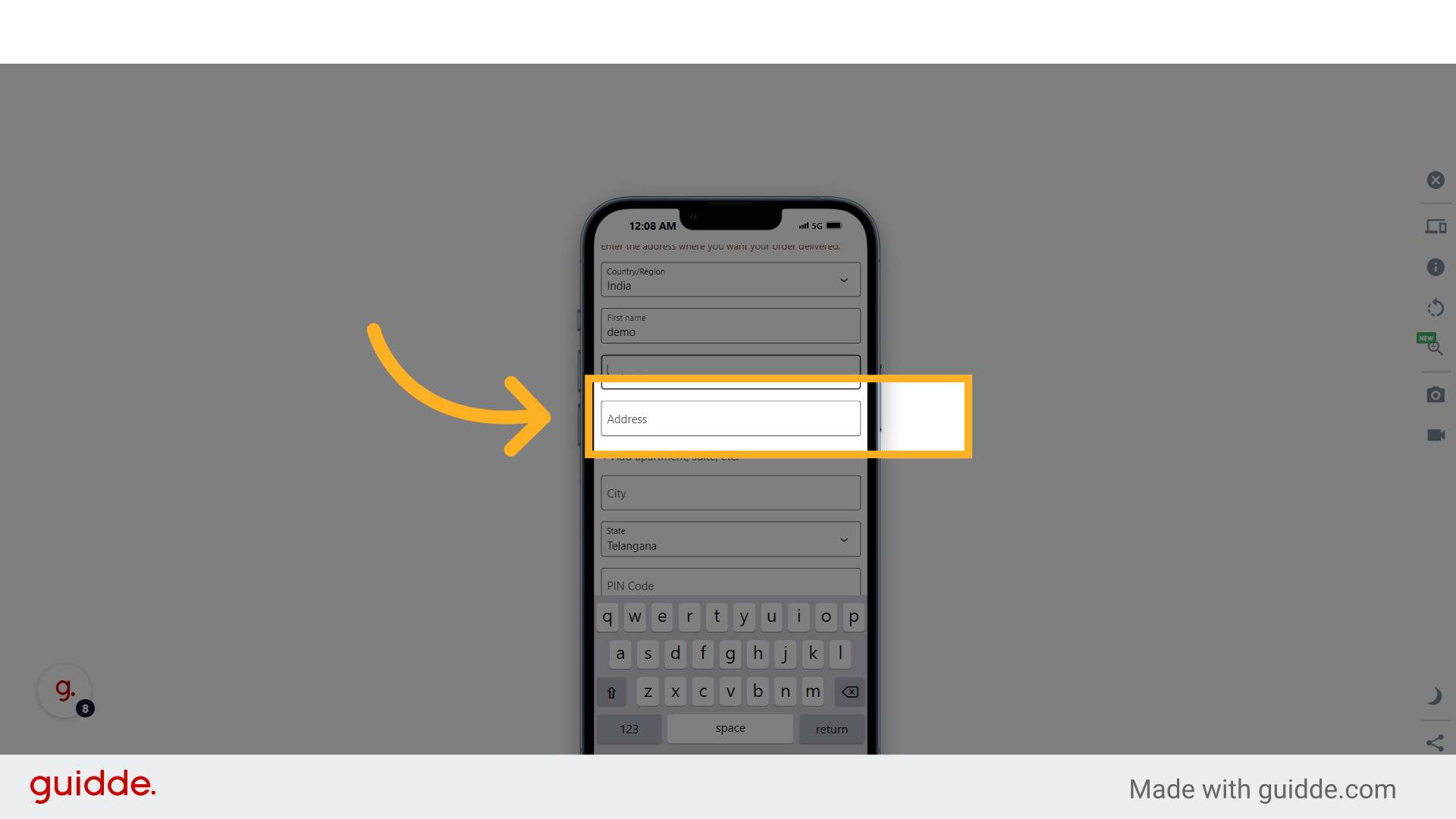
11. Click "Address"
Enter your address details.
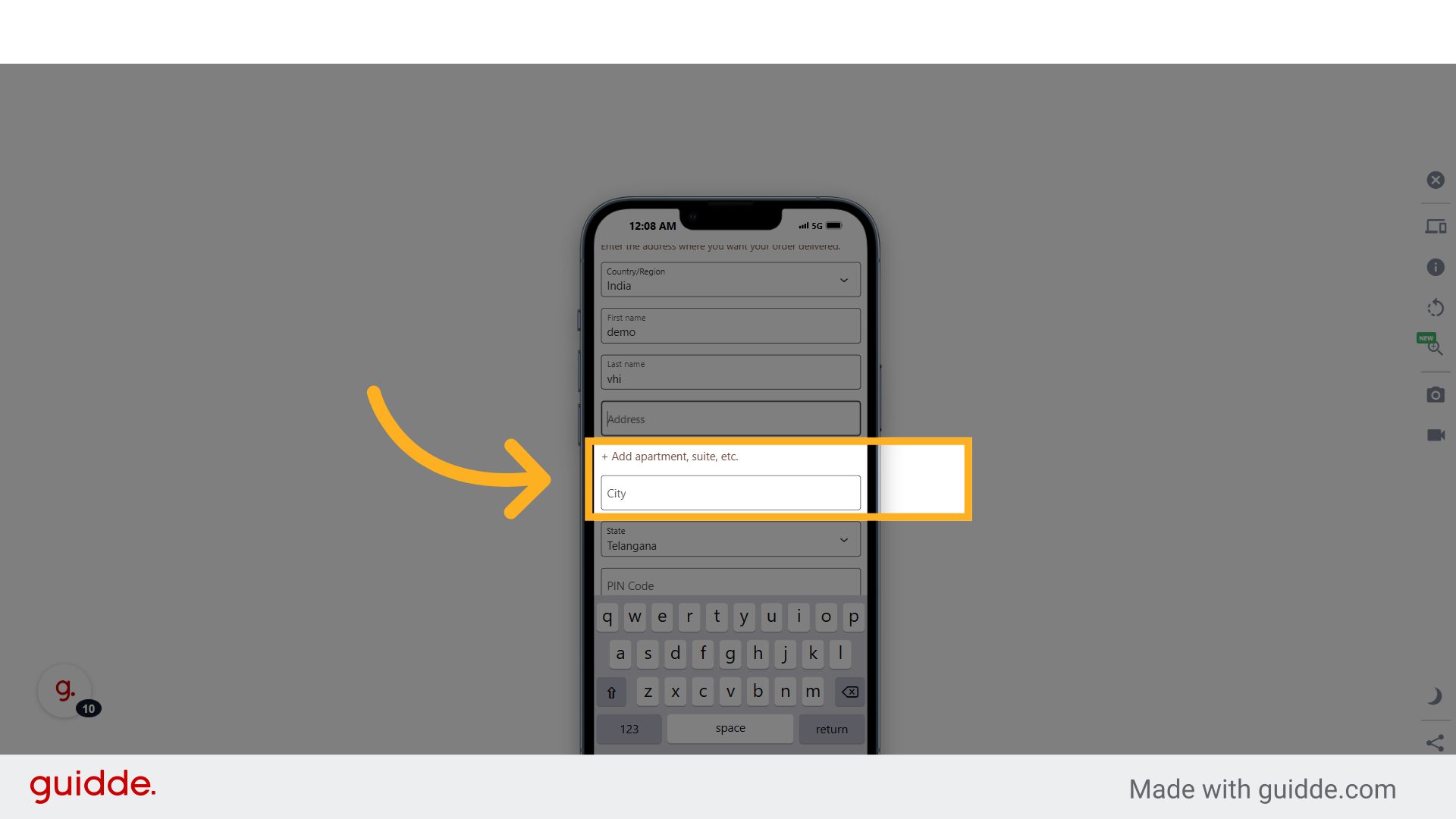
12. Fill "begampet"
Input your address as "begampet".
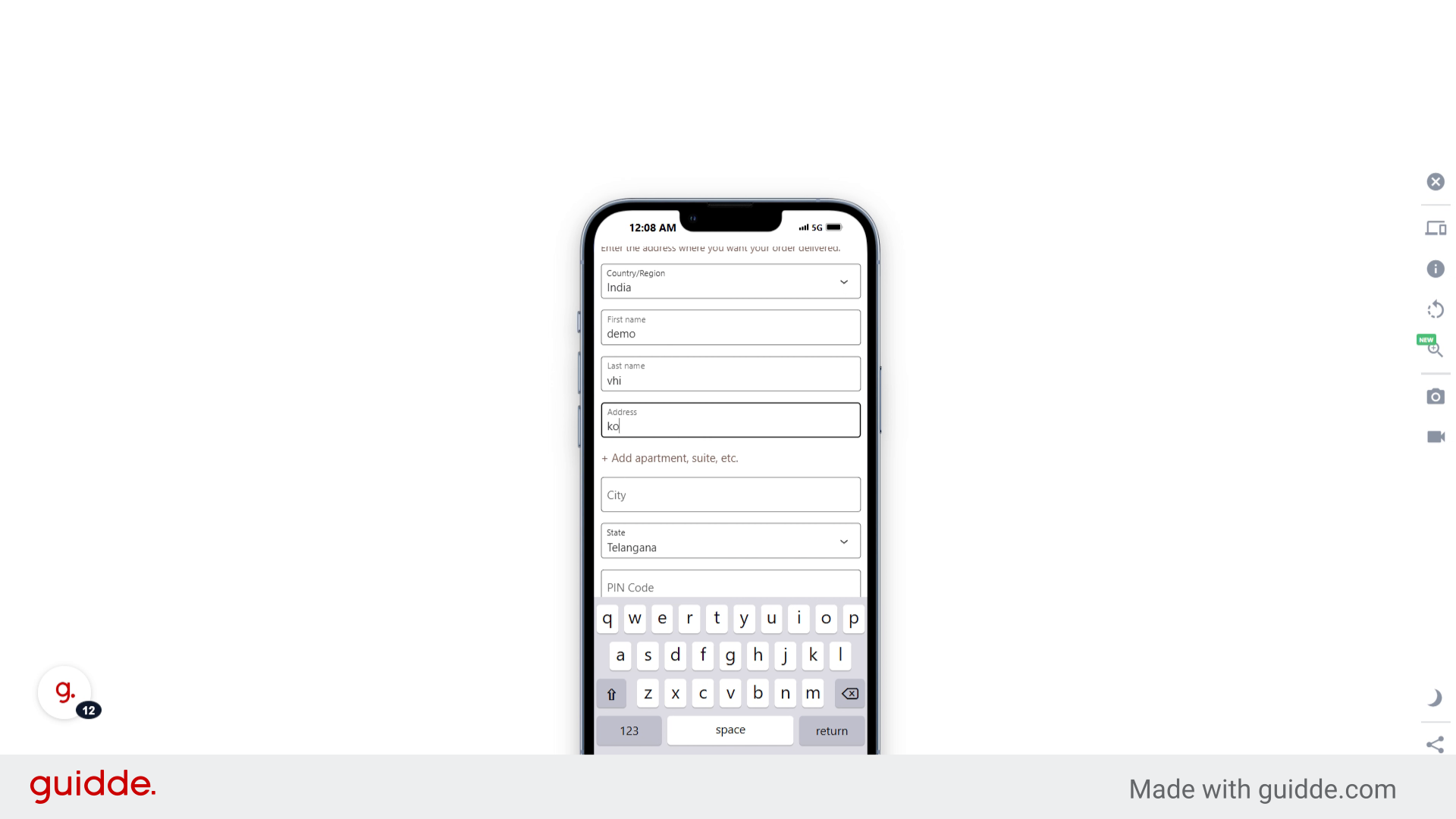
13. Click "City"
Enter your city.
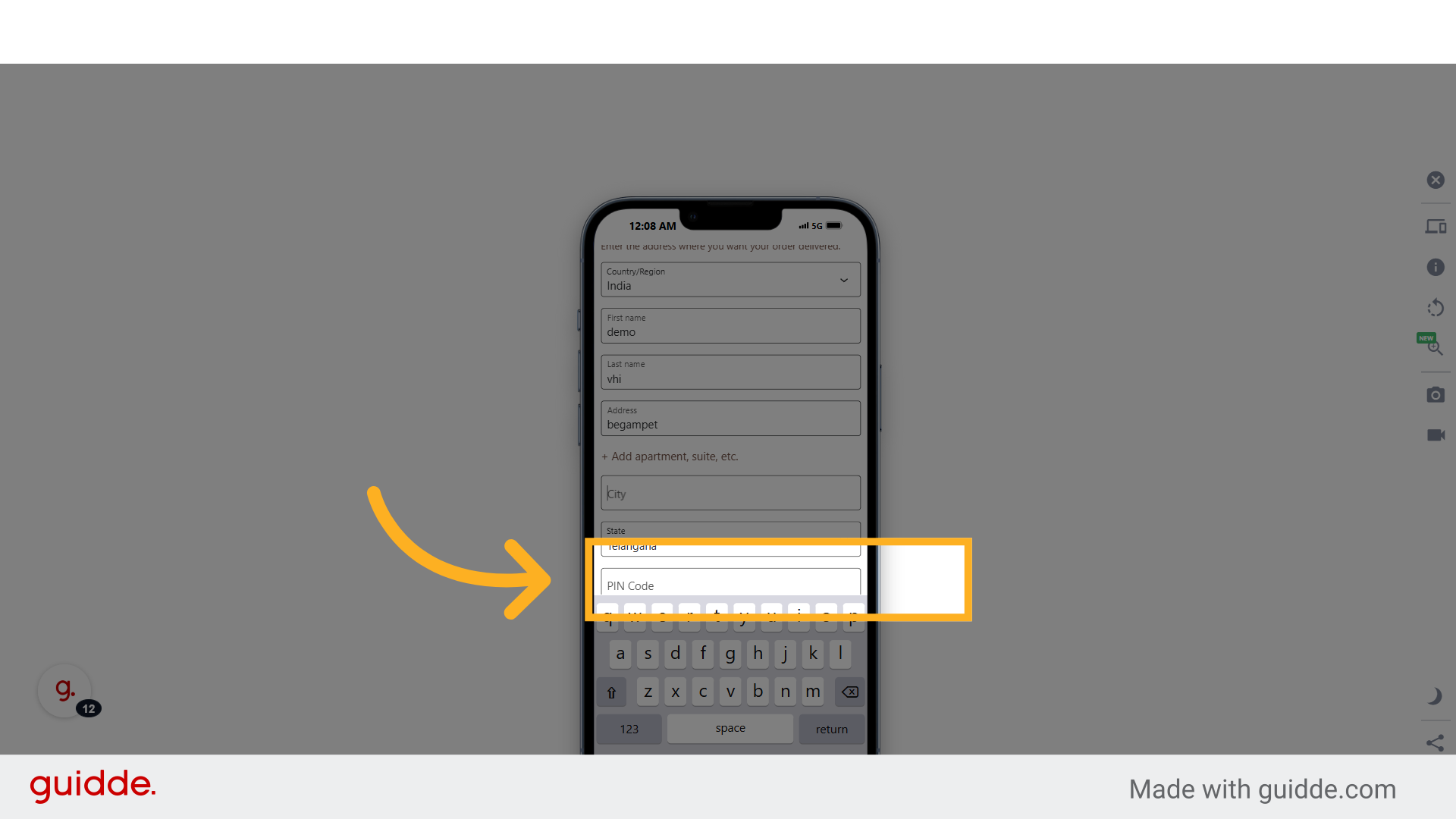
14. Fill "hyderabad"
Specify your city as "hyderabad".
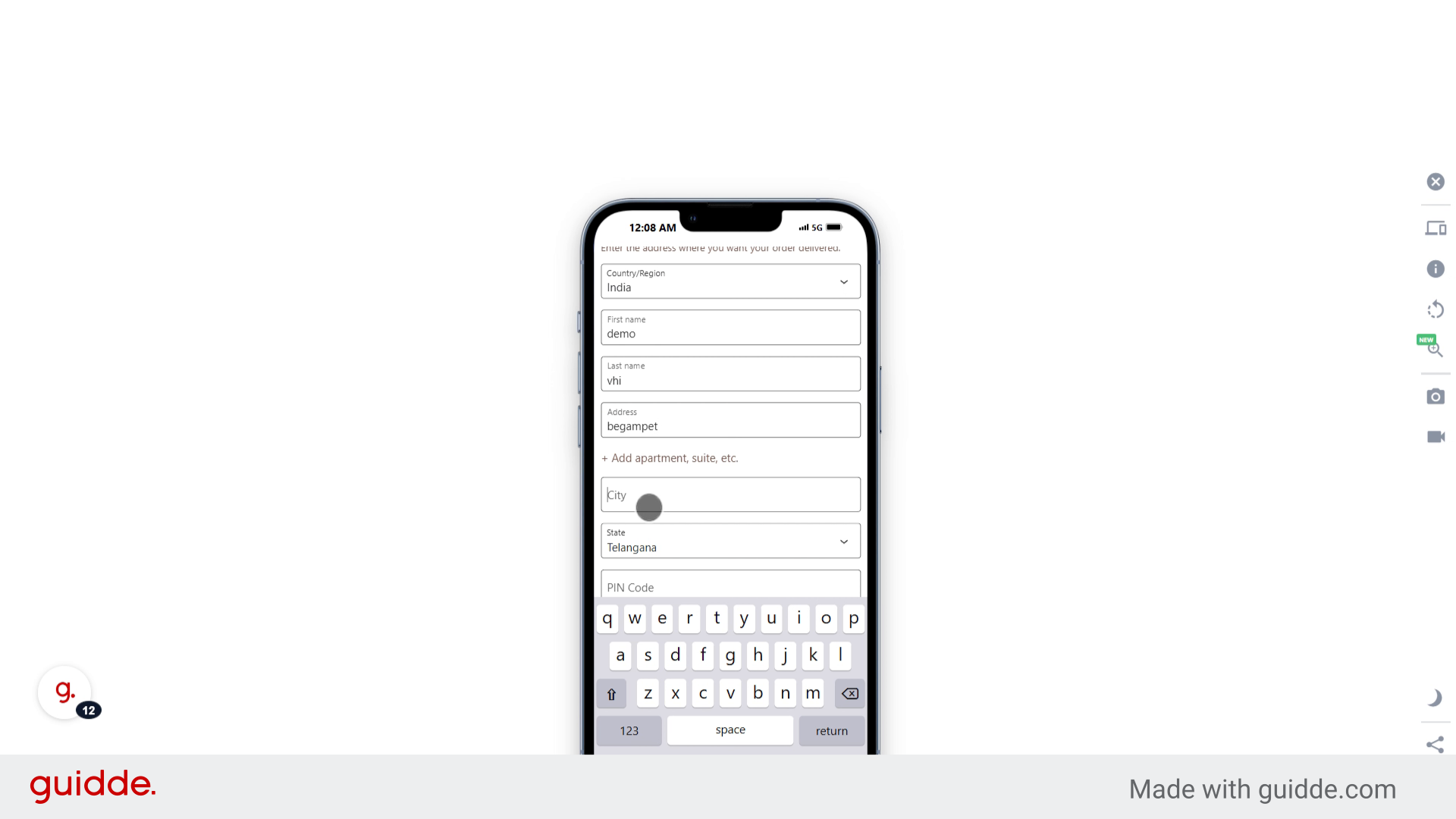
15. Click "PIN Code"
Enter your PIN code.
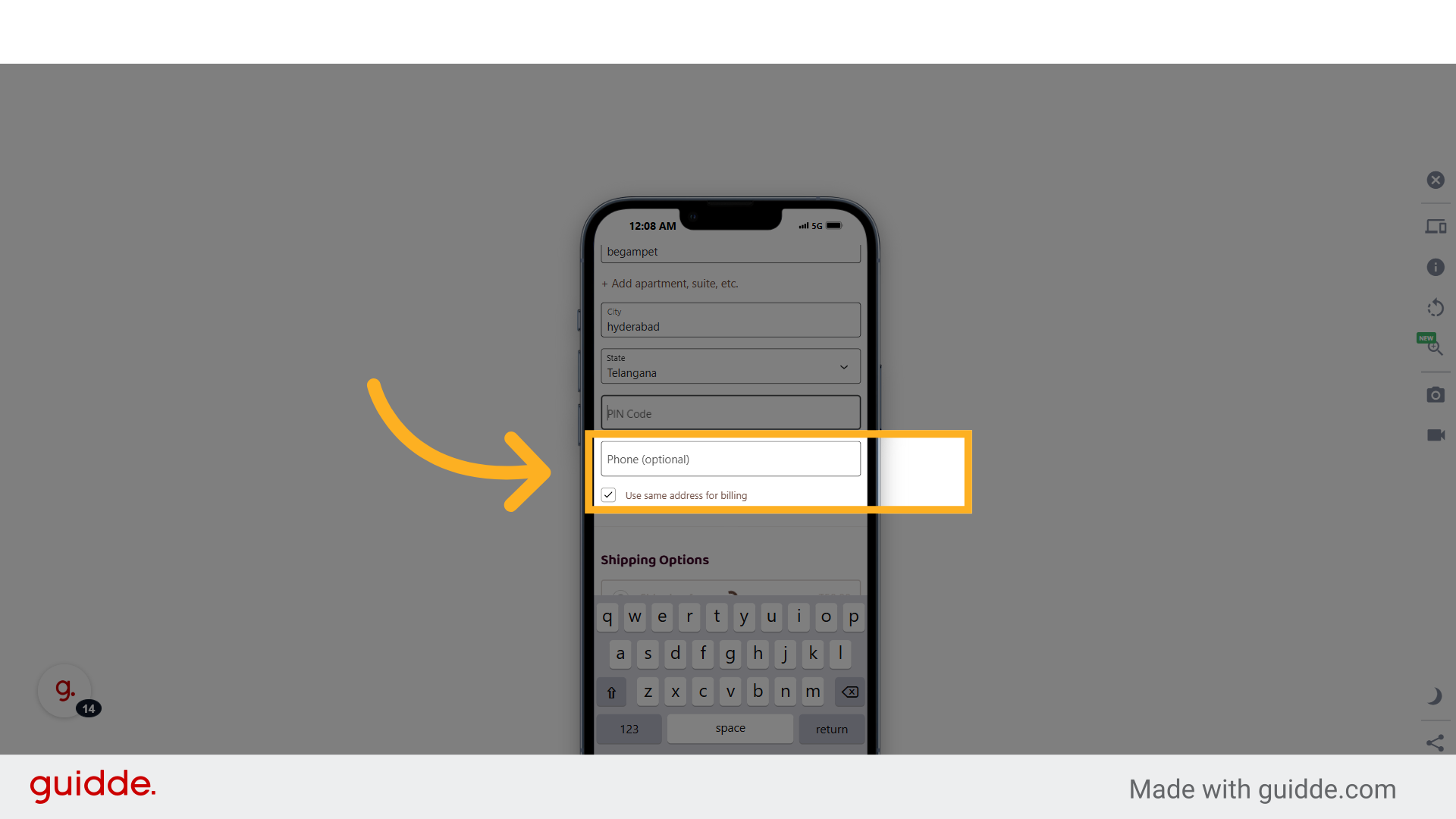
16. Click "Phone (optional)"
Provide your contact number.
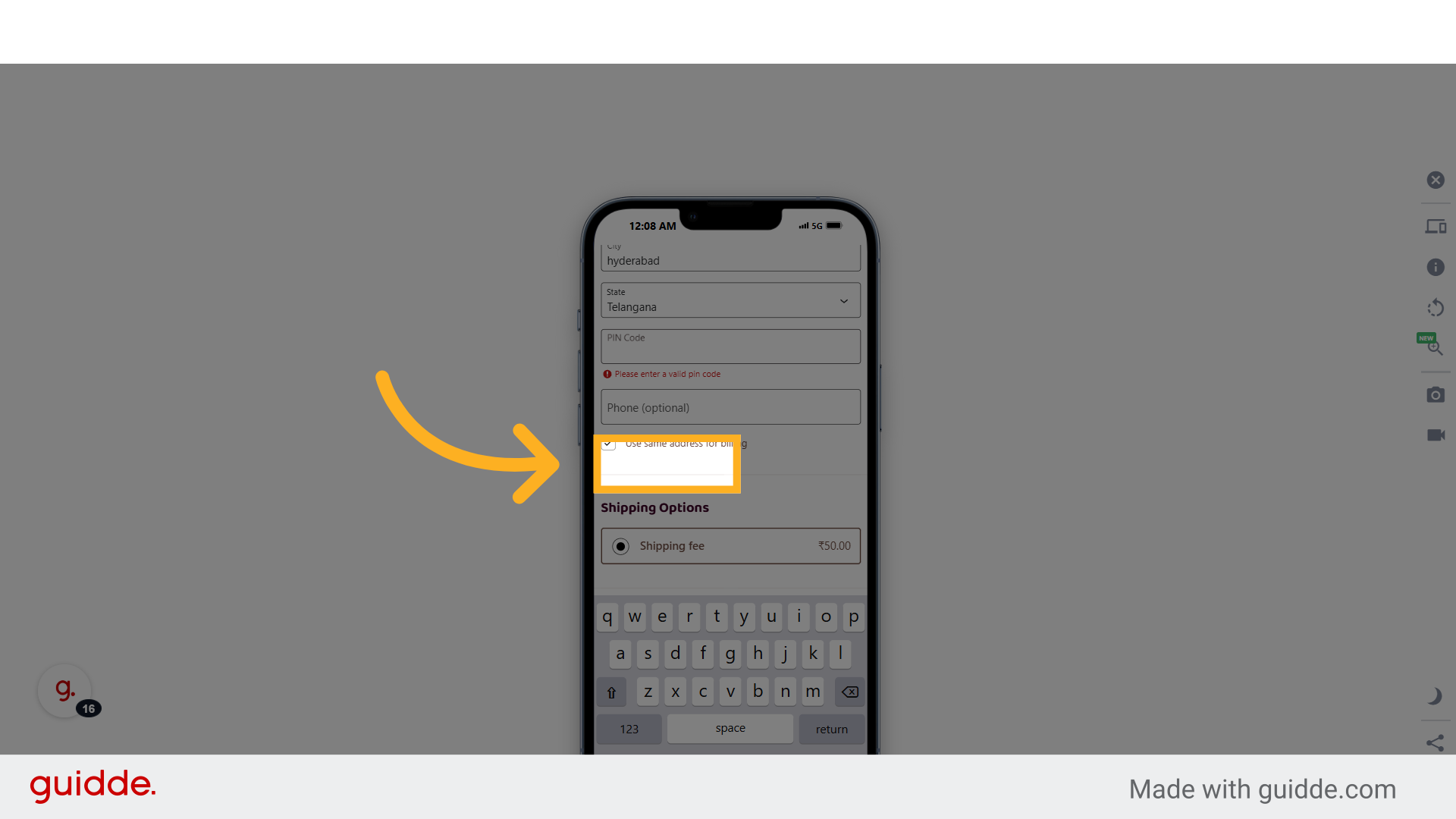
17. Fill "Phone (optional)"
Enter your phone number.
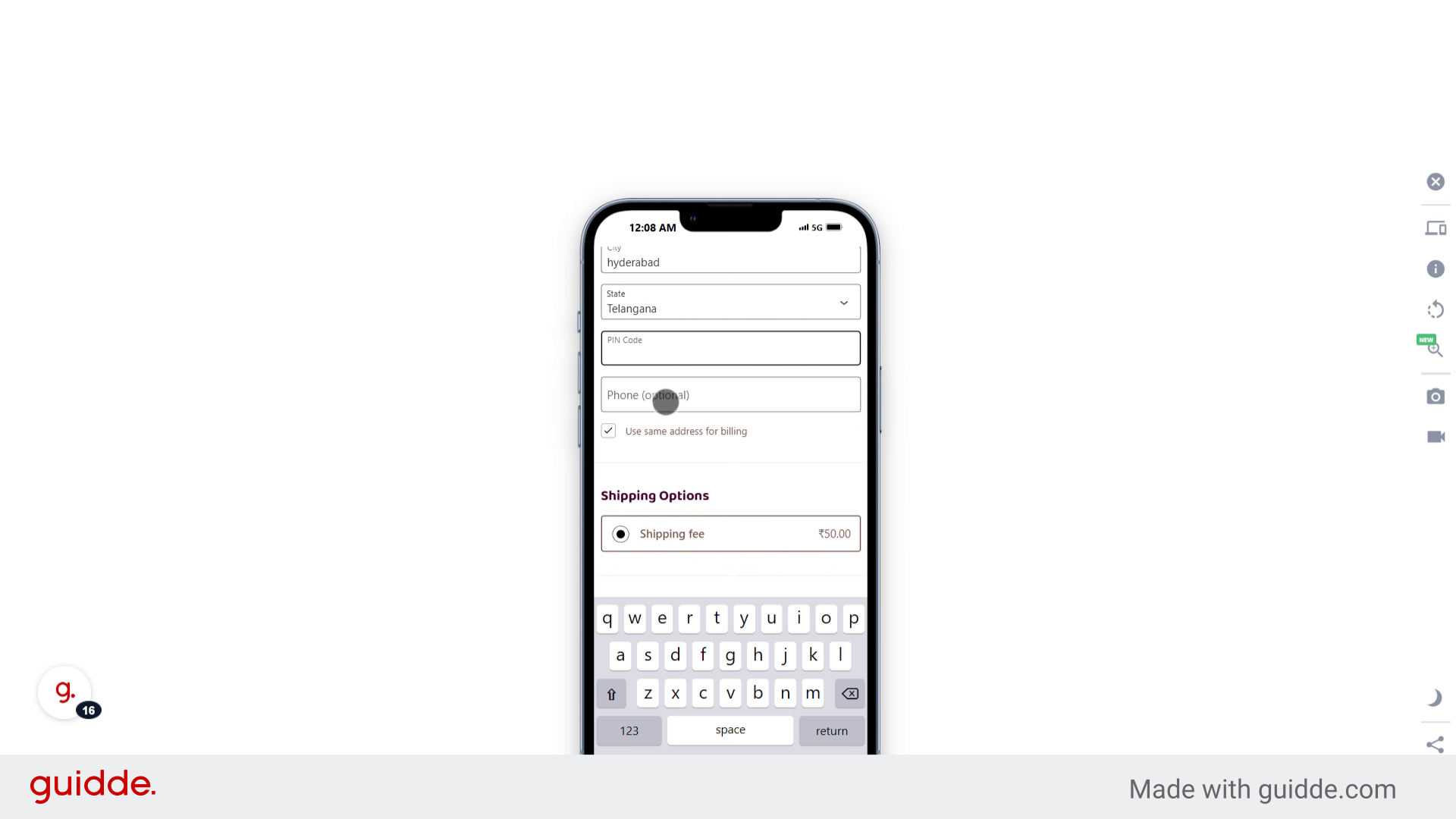
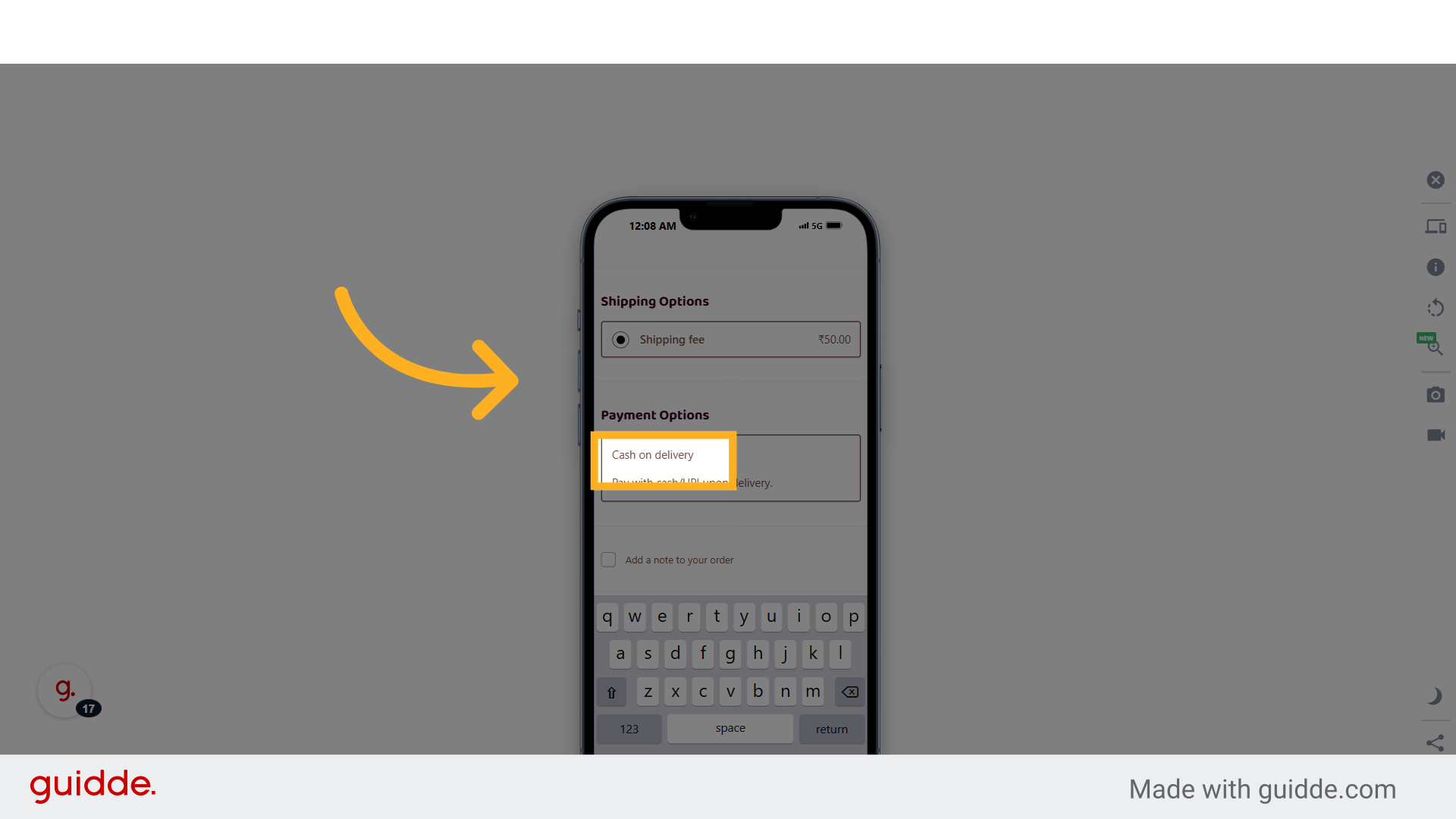
18. Click "Cash on delivery"
Select the cash on delivery payment option.
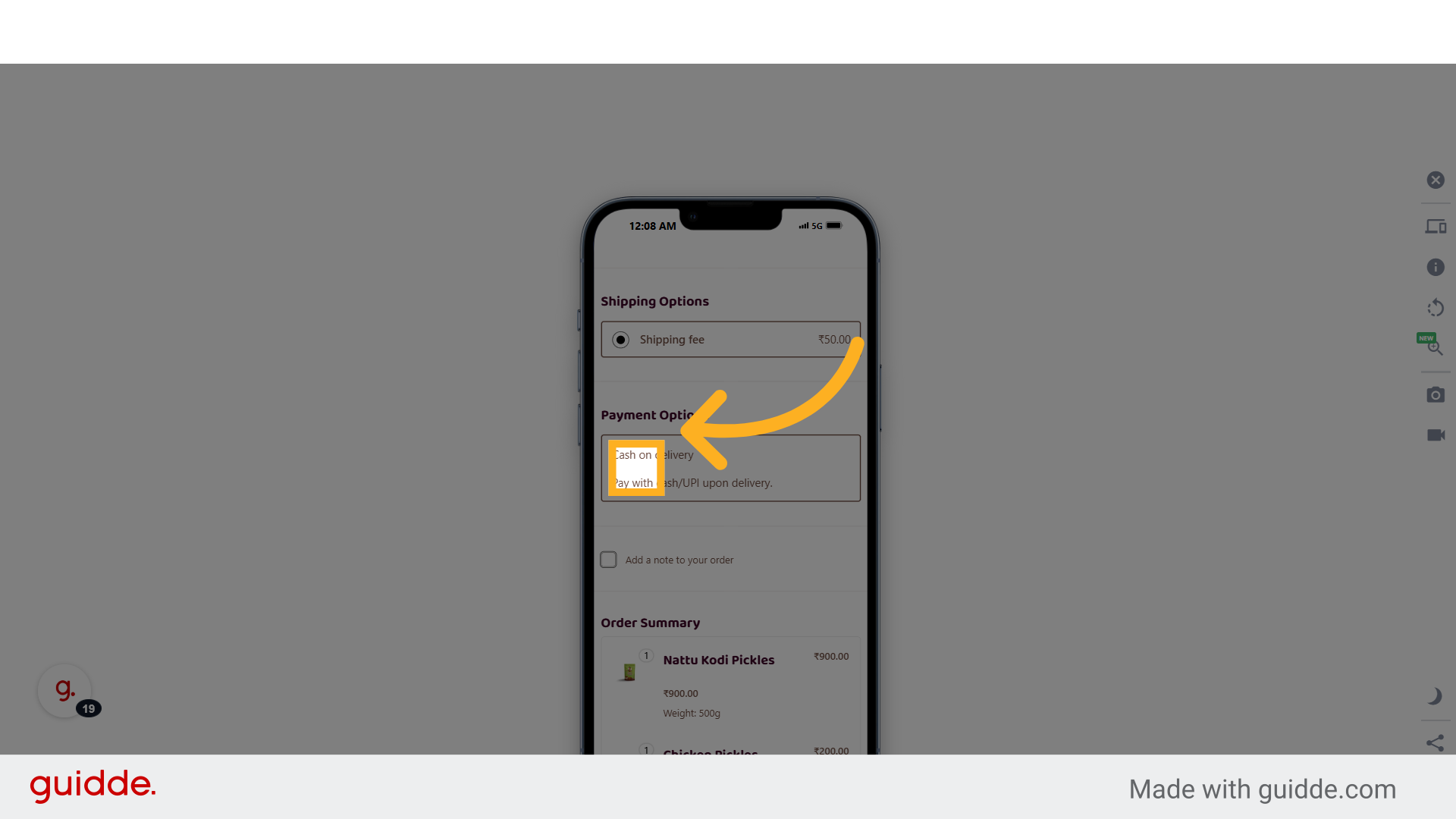
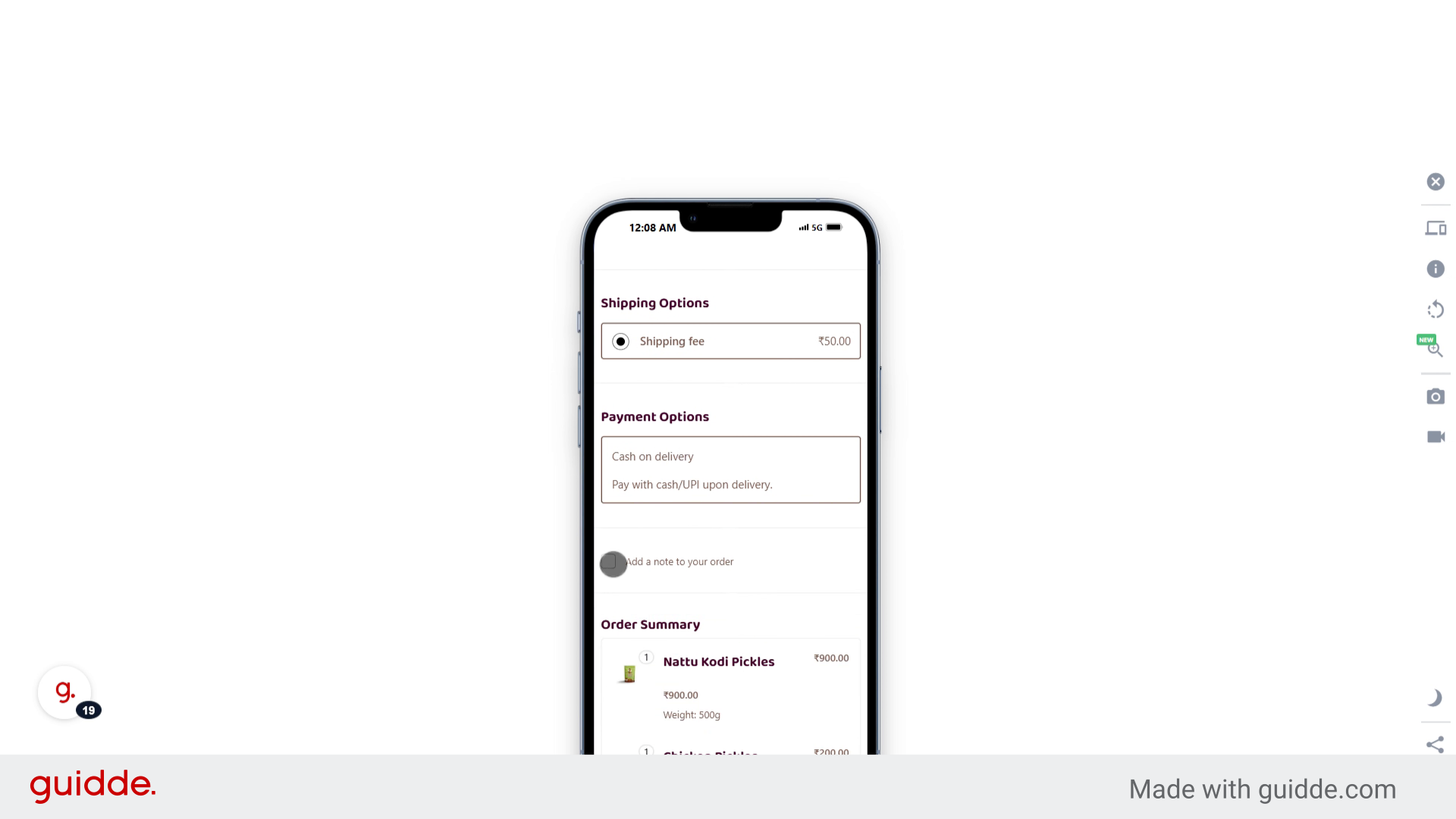
19. Click "Add a note to your order"
Include any additional notes to your order.
20. Fill "on"
Add the note "on".
21. Click "Notes about your order, e.g. special notes for delivery."
Add any special delivery notes.
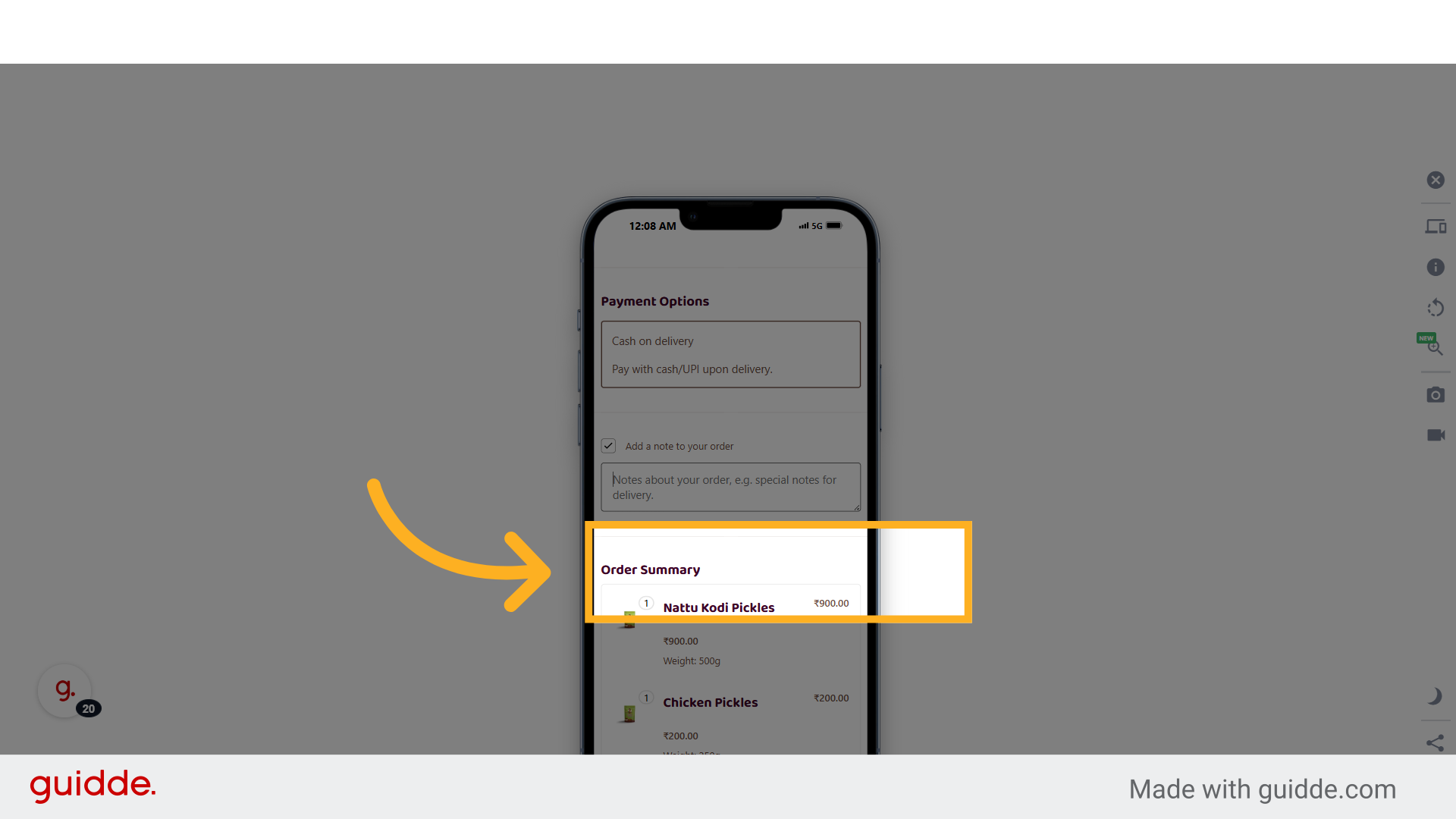
22. Click "Place Order"
Complete the order process.
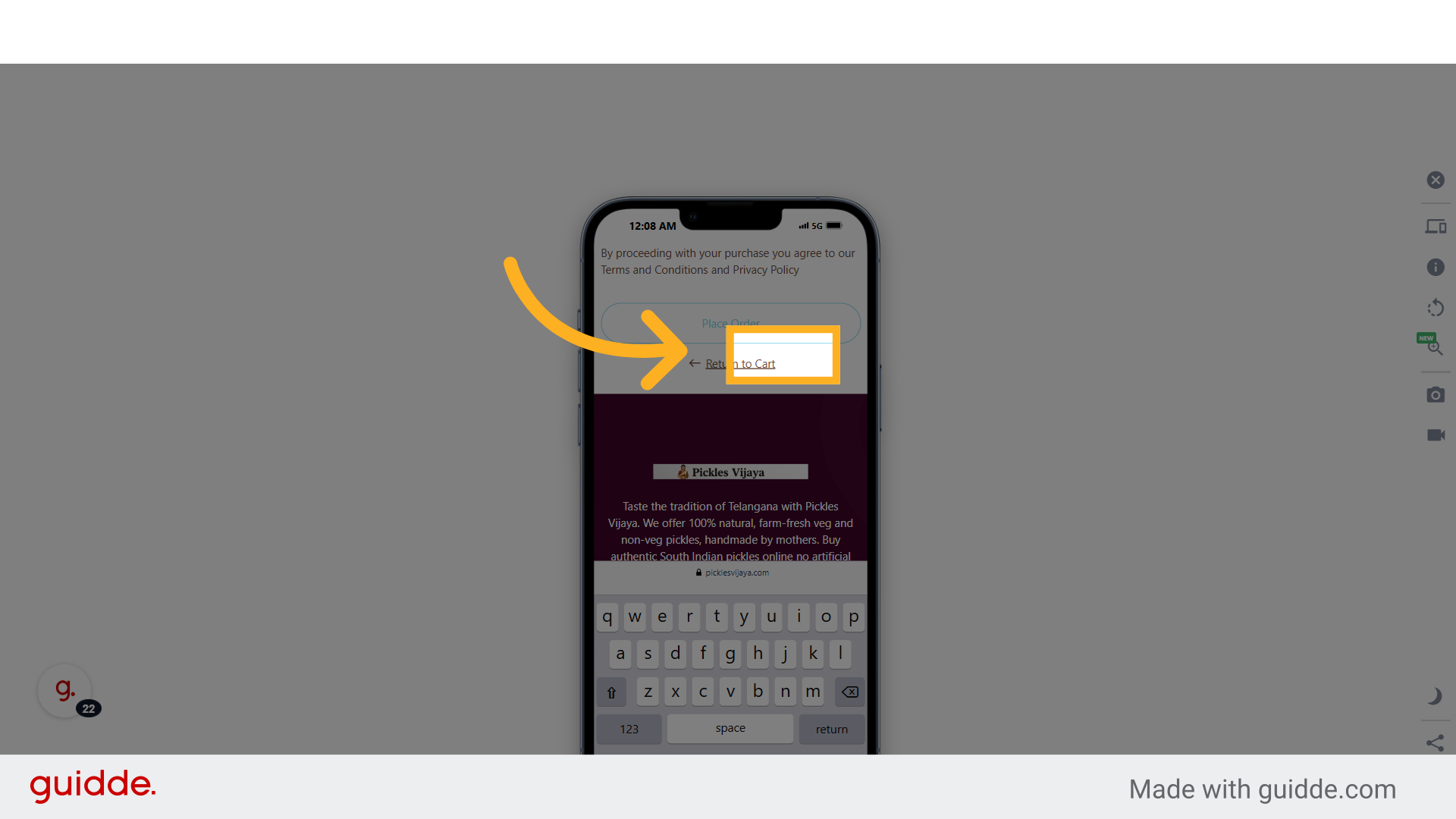
23. Fill "505101"
Enter the PIN code as "505101".
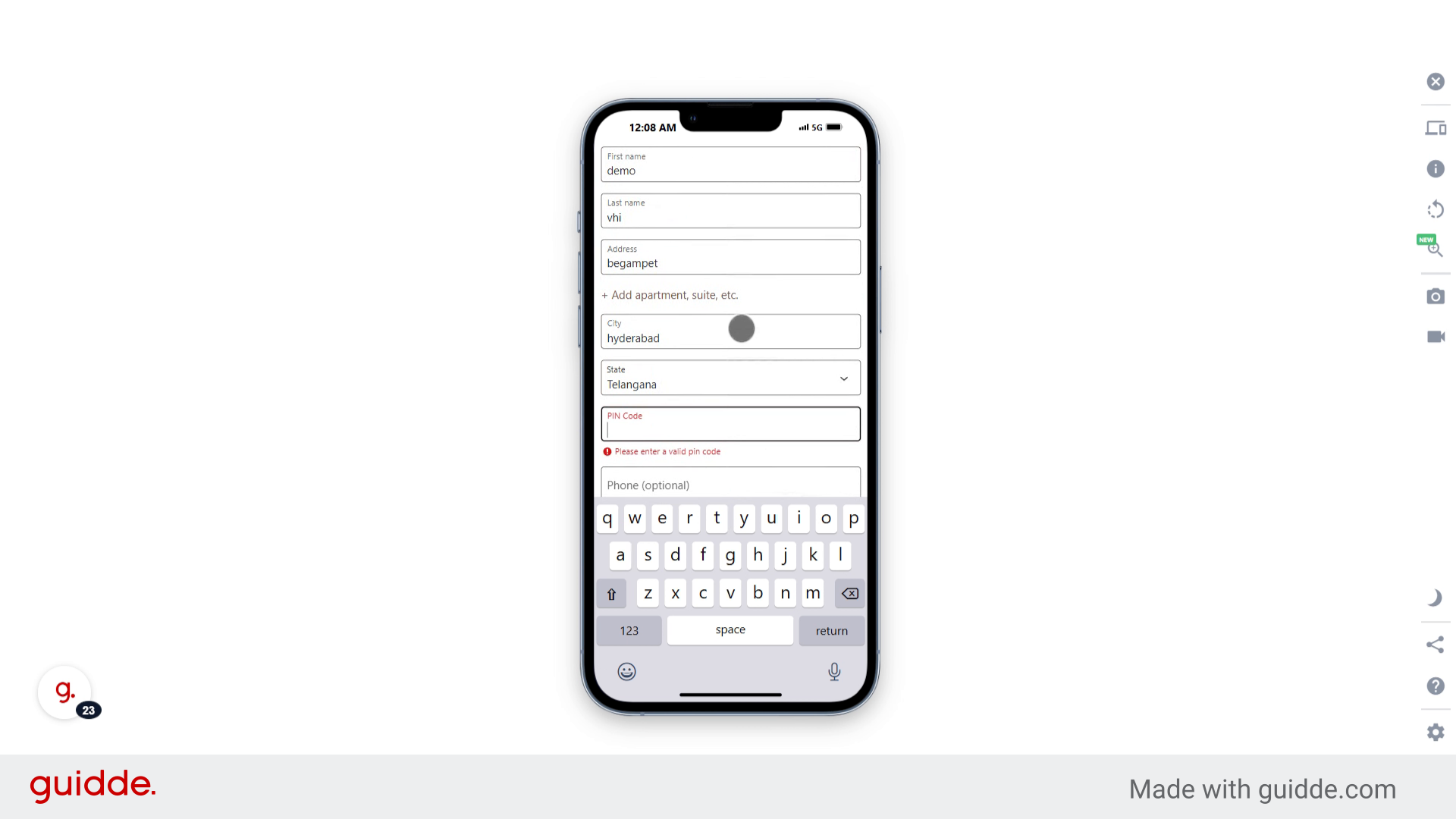
24. Click "Place Order"
Finalize and place your order.
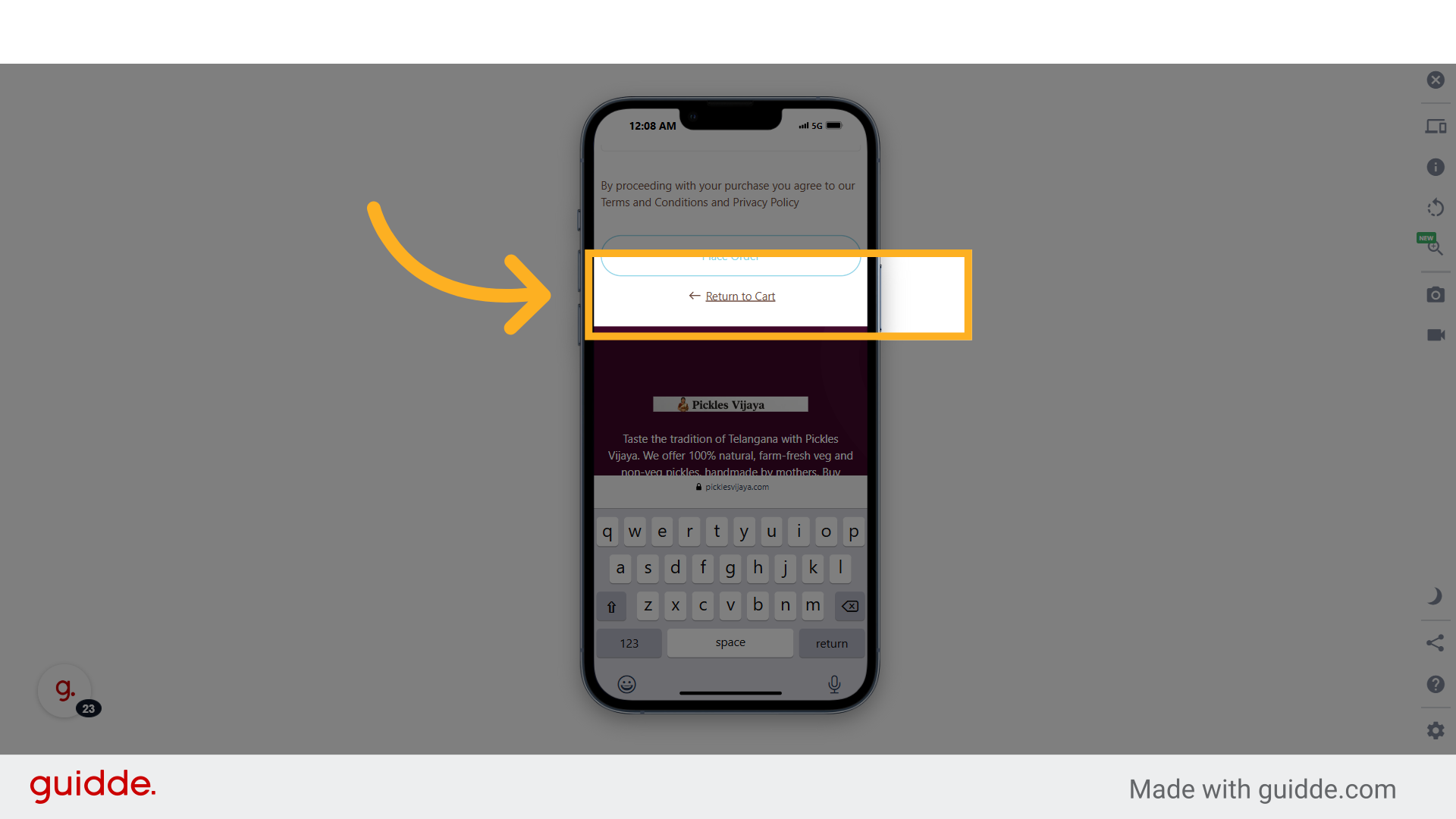
This guide walked you through ordering Pickles on the Pickles Vijaya website seamlessly. From selecting your items, filling in your information, to placing the order, you are now equipped with the knowledge to navigate the ordering process effortlessly.